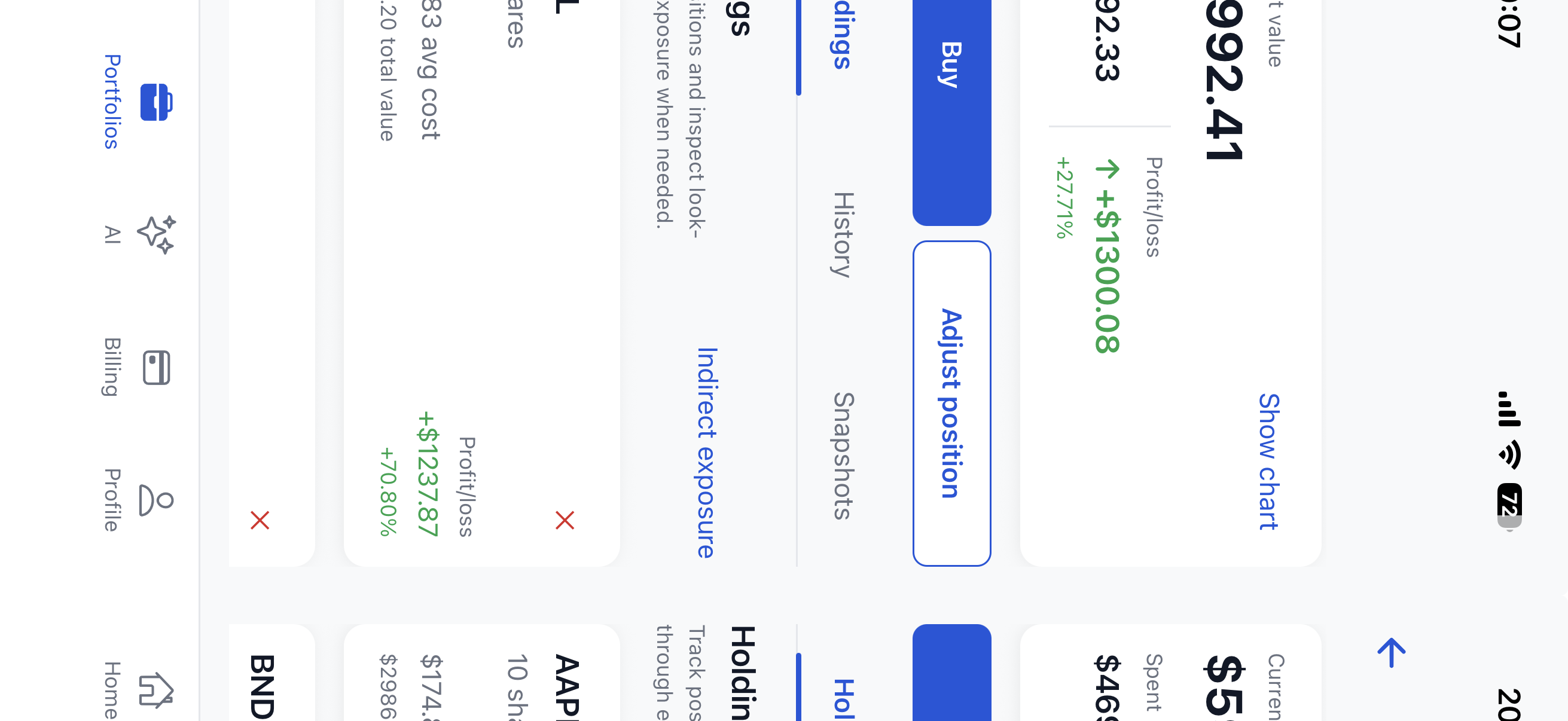

Portfolio tracking
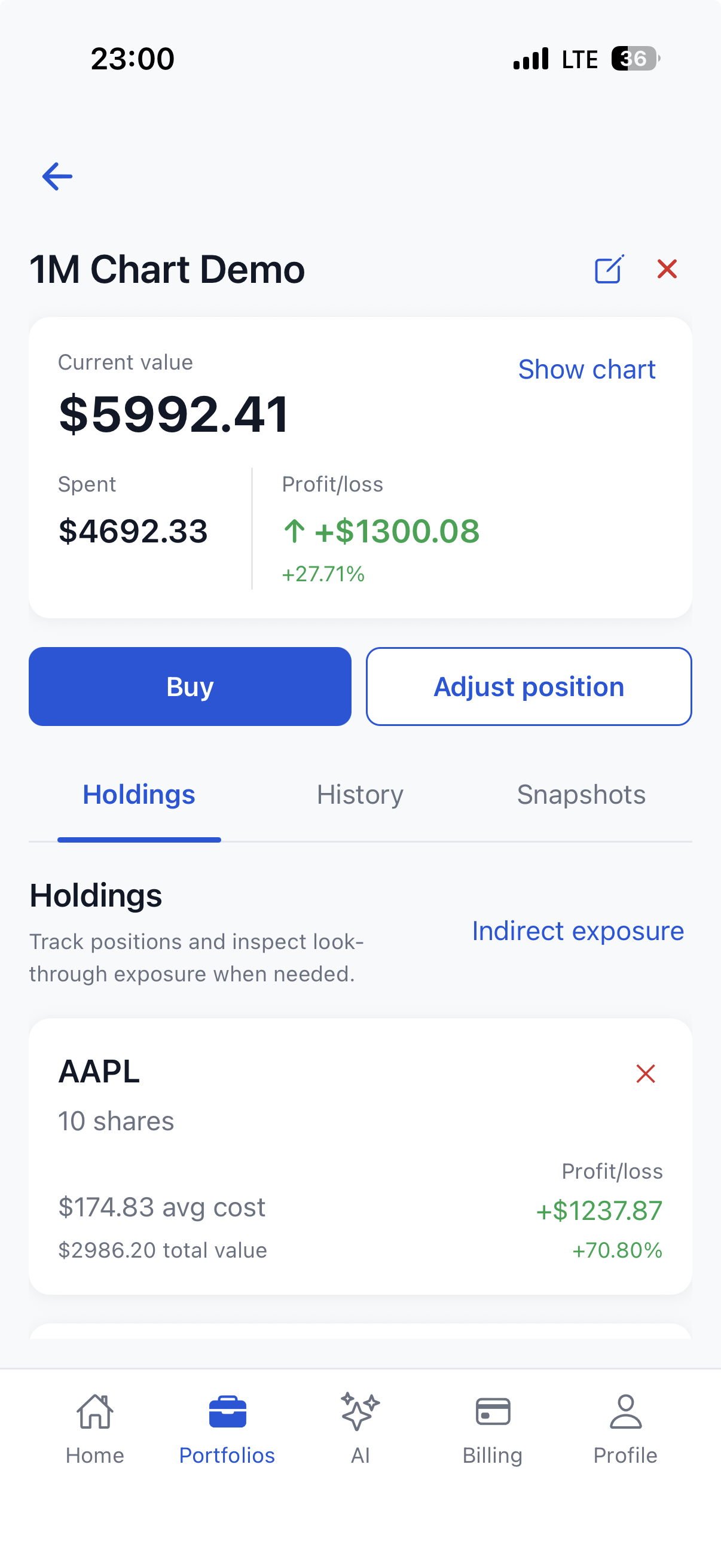
Create portfolios, add holdings, track value, and keep investment activity organized in one place.
 Jarvestment
AI portfolio review
Jarvestment brings holdings, allocation insights, snapshots, and AI-assisted review into one calm app for better investing habits.


About App
Track holdings, snapshots, and allocation in one organized workspace while using AI review to understand risk before acting.
Built for calm investing workflows, not market noise. Save portfolio states, review changes over time, and keep useful context close for every check-in.
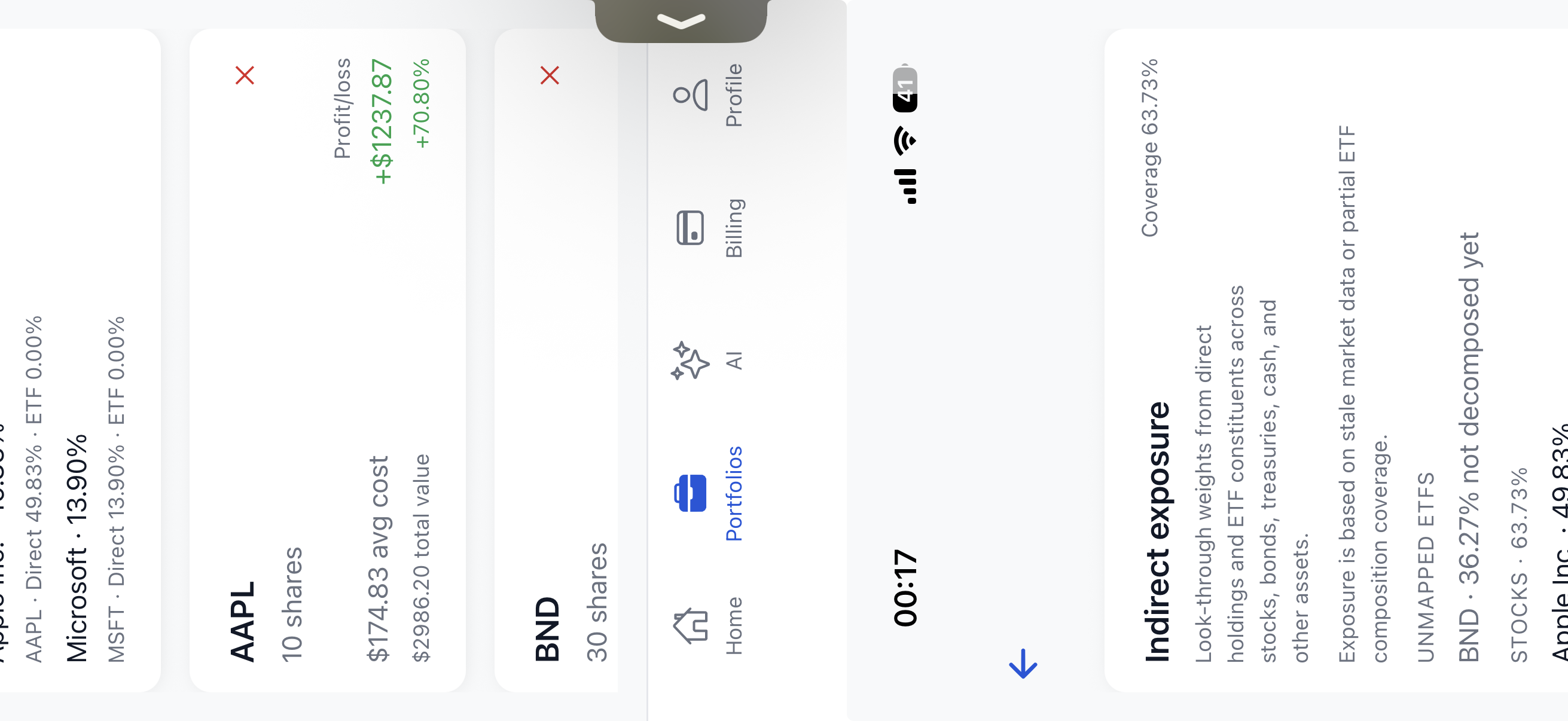
Indirect Exposure
Indirect exposure helps you see how holdings connect through funds, sectors, and overlapping positions, so portfolio changes are easier to review before adding more risk or hidden concentration in your portfolio.
Download AppCore Features
Jarvestment combines manual portfolio tracking, analytics, saved states, and AI-assisted workflows in one calm app, helping users organize holdings, compare changes, and keep decisions structured without turning the product into a trading venue.
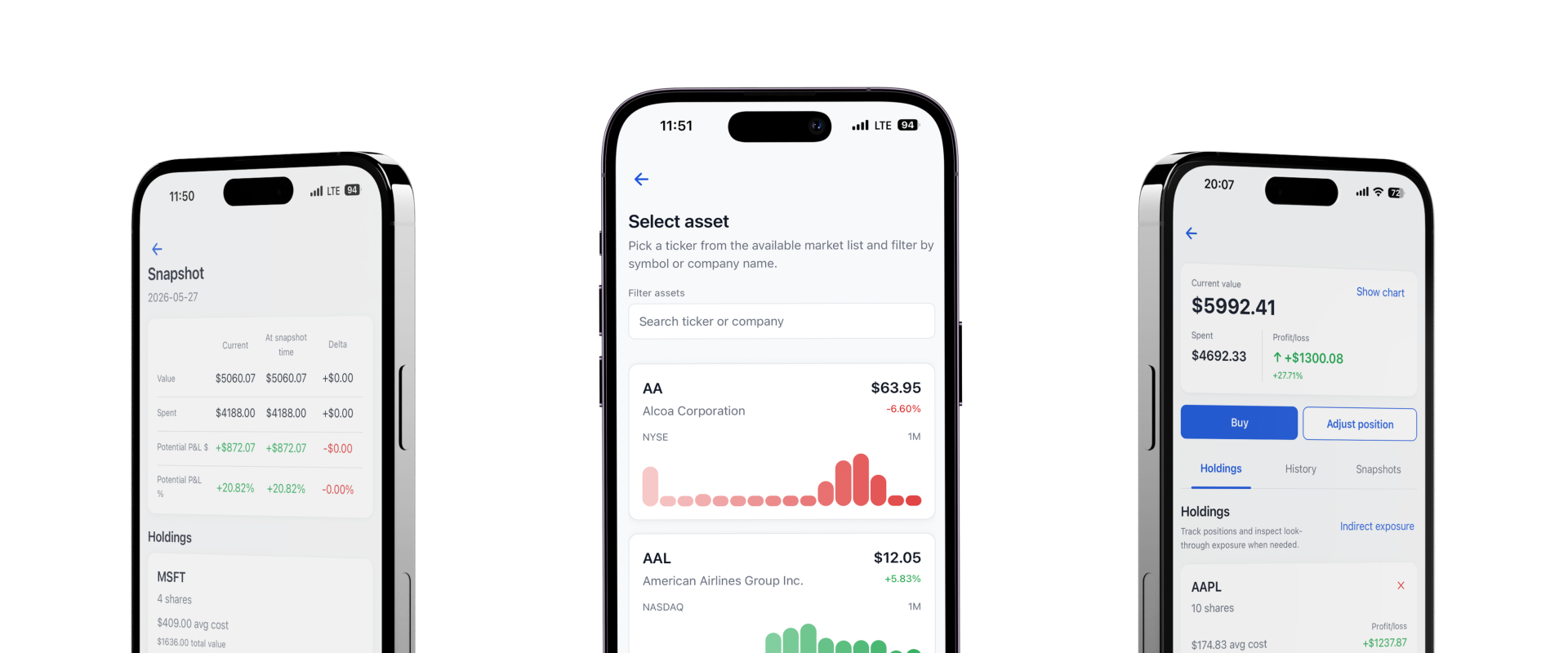
Create portfolios, add holdings, track value, and keep investment activity organized in one place.
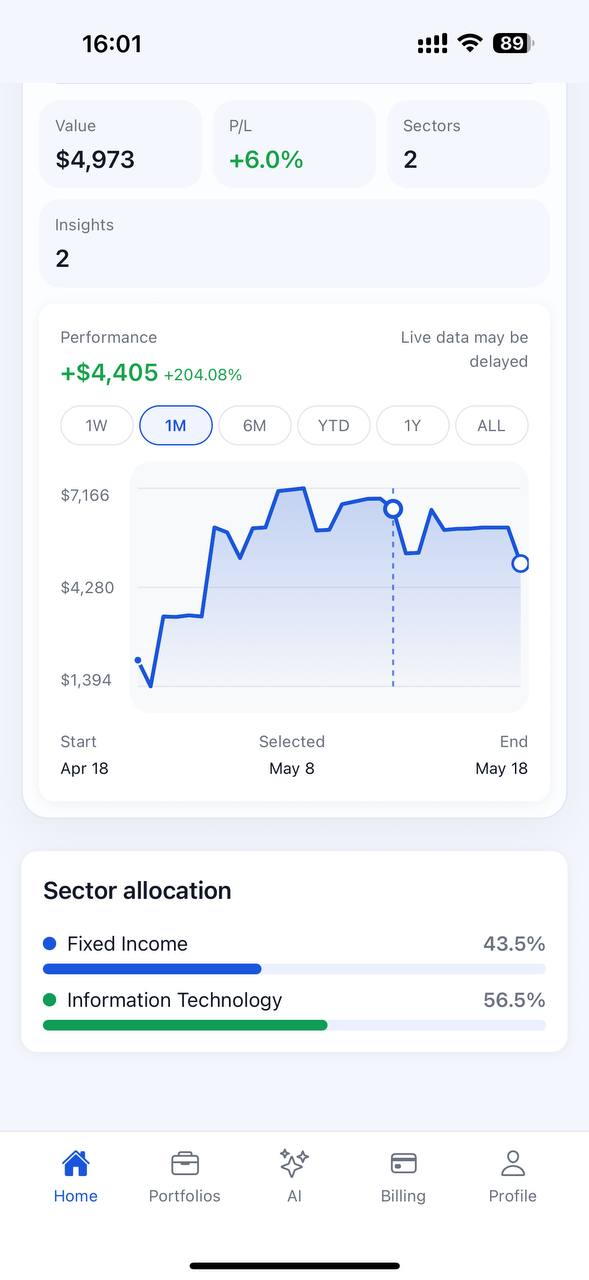
Review sector allocation, asset mix, concentration, and risk indicators without rebuilding spreadsheets.
Follow portfolio movement across common time ranges and understand how holdings contribute to change.
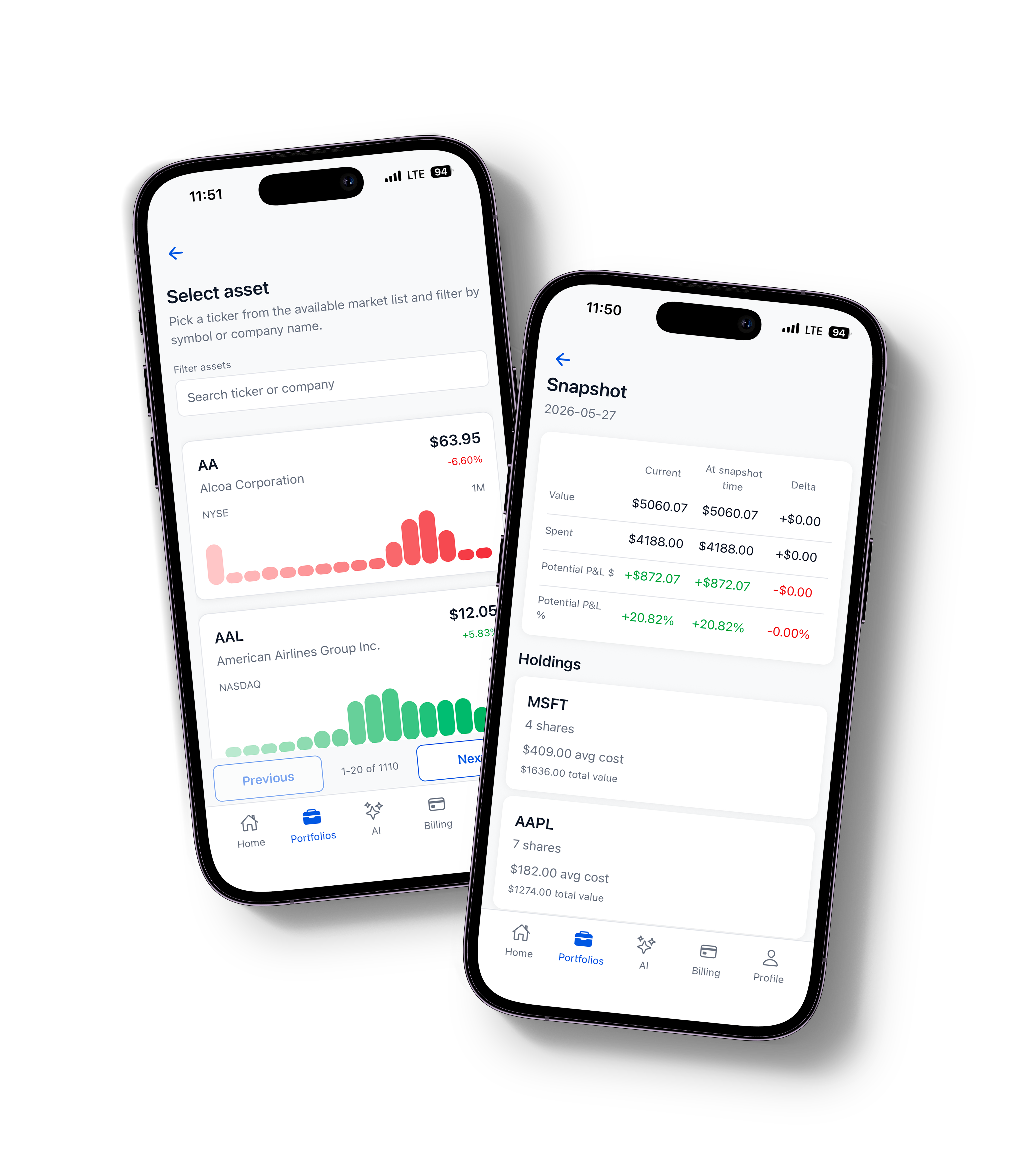
Save point-in-time portfolio states and compare them against future snapshots or the current portfolio.
Describe goals, time horizon, and risk tolerance to generate structured starter portfolio ideas.
Ask for review feedback or what-if impact analysis before making changes to a tracked portfolio.
How It Works
Download the app and open a calm workspace for portfolio review.
Add holdings manually and keep every asset organized in one place.
Review allocation, snapshots, and exposure before making changes.
Ask AI to understand risks, overlaps, and the next useful step.
Common Questions
Clear boundaries help Jarvestment stay focused on portfolio tracking, structured review, and useful context before you make changes or compare saved snapshots.
Download AppNo. Jarvestment is built for portfolio tracking, analytics, and educational AI-assisted review. It does not custody assets or place trades.
Jarvestment provides informational tools and AI-generated educational output. Investment decisions remain your responsibility.
Yes. Users can delete their account from the app Profile screen or follow the account deletion instructions on this website.
Jarvestment uses account information, portfolio entries, holdings, operations, snapshots, billing records, and support messages needed to provide the service.
Yes. You can save point-in-time portfolio states and compare them later to review allocation, value, and exposure changes.
Download App
Keep holdings, snapshots, allocation checks, and AI-assisted review in one focused mobile workspace.
Workflow Details
Move from holdings to snapshots to AI review in one organized path, so every portfolio check keeps context and every decision is easier to compare.
Add assets, values, notes, and costs so every position keeps complete context.
Compare saved states, allocation moves, and performance shifts before changes.
Use AI review prompts to surface risk, overlap, and next steps before changes.
Start Reviewing
Track holdings, compare snapshots, review allocation, and ask AI for context before your next portfolio move, all from one calm workspace built for structured investing habits.
Download App Now